Responsive Image
Responsive Image

How to post your Wordle result

Four quick steps, about 10 seconds a day.

1

After today's puzzle, tap Share in Wordle. Your result is copied. If you're asked how to share, choose Copy.
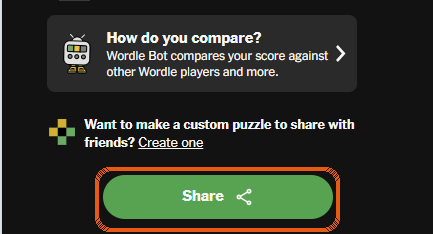
The Share button at the bottom of Wordle's results screen
2

Open wordleville.com and tap Post Wordle Result. First time on this phone? Log in once and WordleVille remembers you.
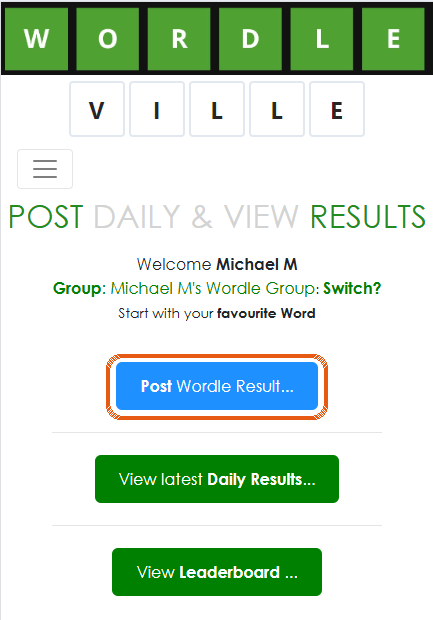
WordleVille's main page with the Post Wordle Result button
3

Tap 📋 Paste Wordle Result. On iPhone, also tap the small Paste bubble that appears.
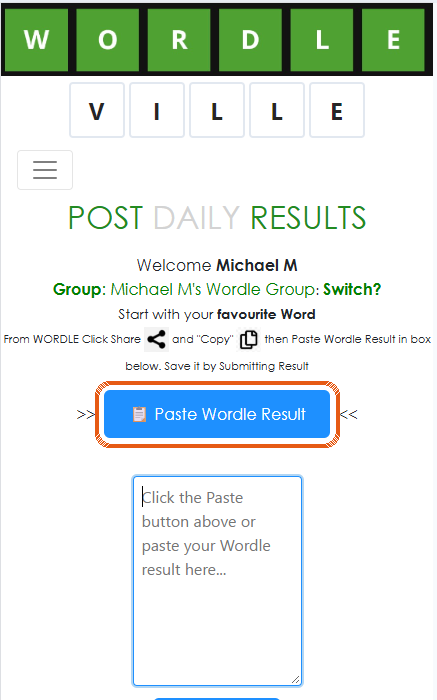
The Paste Wordle Result button above the empty result box
4

Your result appears in the box. Tap Post Result, and you're done! It's saved in all your groups, and friends who've turned on notifications hear about it.
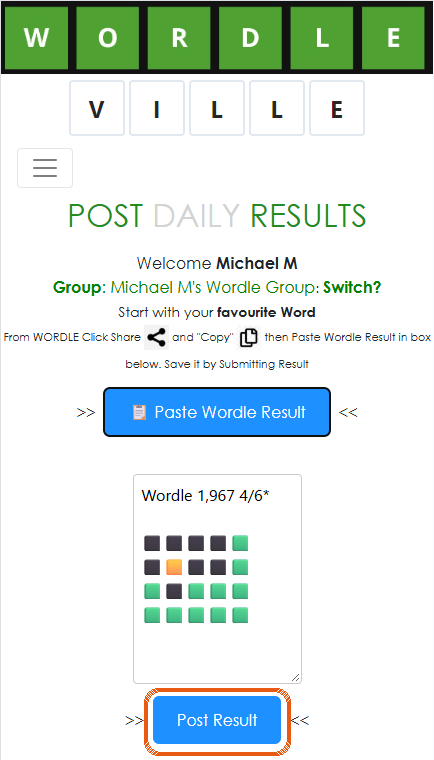
A pasted Wordle result in the box, with the Post Result button
Android tip: add WordleVille to your Home Screen, then in step 1 choose WordleVille from Wordle's share list. It opens with your result already filled in, so you only need step 4.
Sign up free
Help & contact
© 2026 WordleVille. All rights reserved.
Made in Australia
WordleVille is an independent site for friends to track their scores. It is not affiliated with, endorsed by or sponsored by The New York Times Company. Wordle is a trademark of The New York Times Company.